


The resurgence of physical media in the 2020s has highlighted a growing tension between the convenience of the cloud and the permanence of tangible goods. While younger generations, particularly Gen Z, have spurred a revival in vinyl records, CDs, and physical film, the underlying technology used to store these digital assets remains inherently mortal. Unlike the printed word on acid-free paper, which can last centuries, digital storage media is subject to a phenomenon known as "bit rot," mechanical wear, and chemical degradation. Understanding the lifespan of hard disk drives, solid-state drives, and flash memory is no longer just a concern for IT professionals; it is a fundamental requirement for anyone seeking to preserve personal history, professional archives, or creative works in an increasingly ephemeral digital landscape.
The Mechanical Reality of Hard Disk Drives (HDDs)
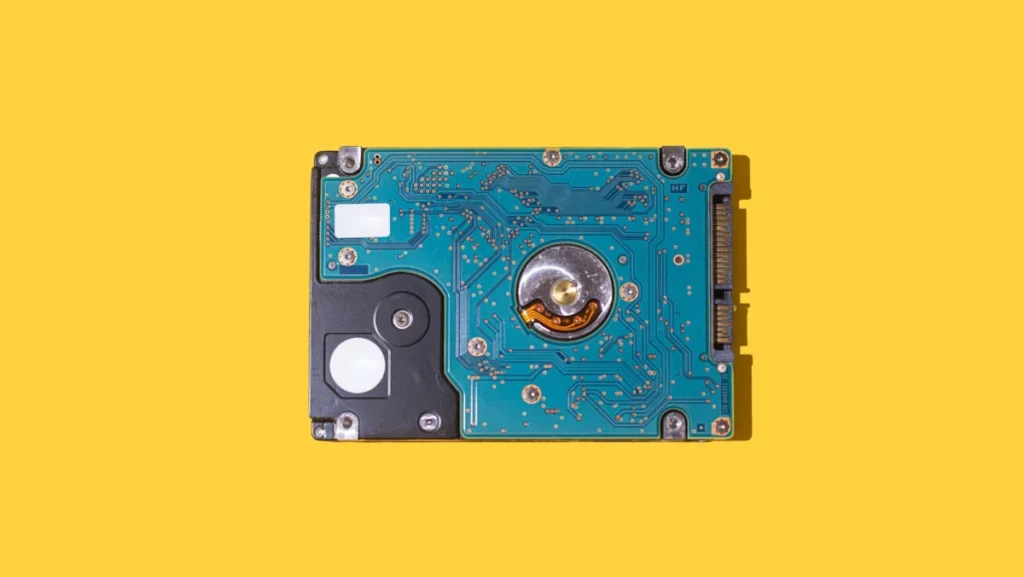
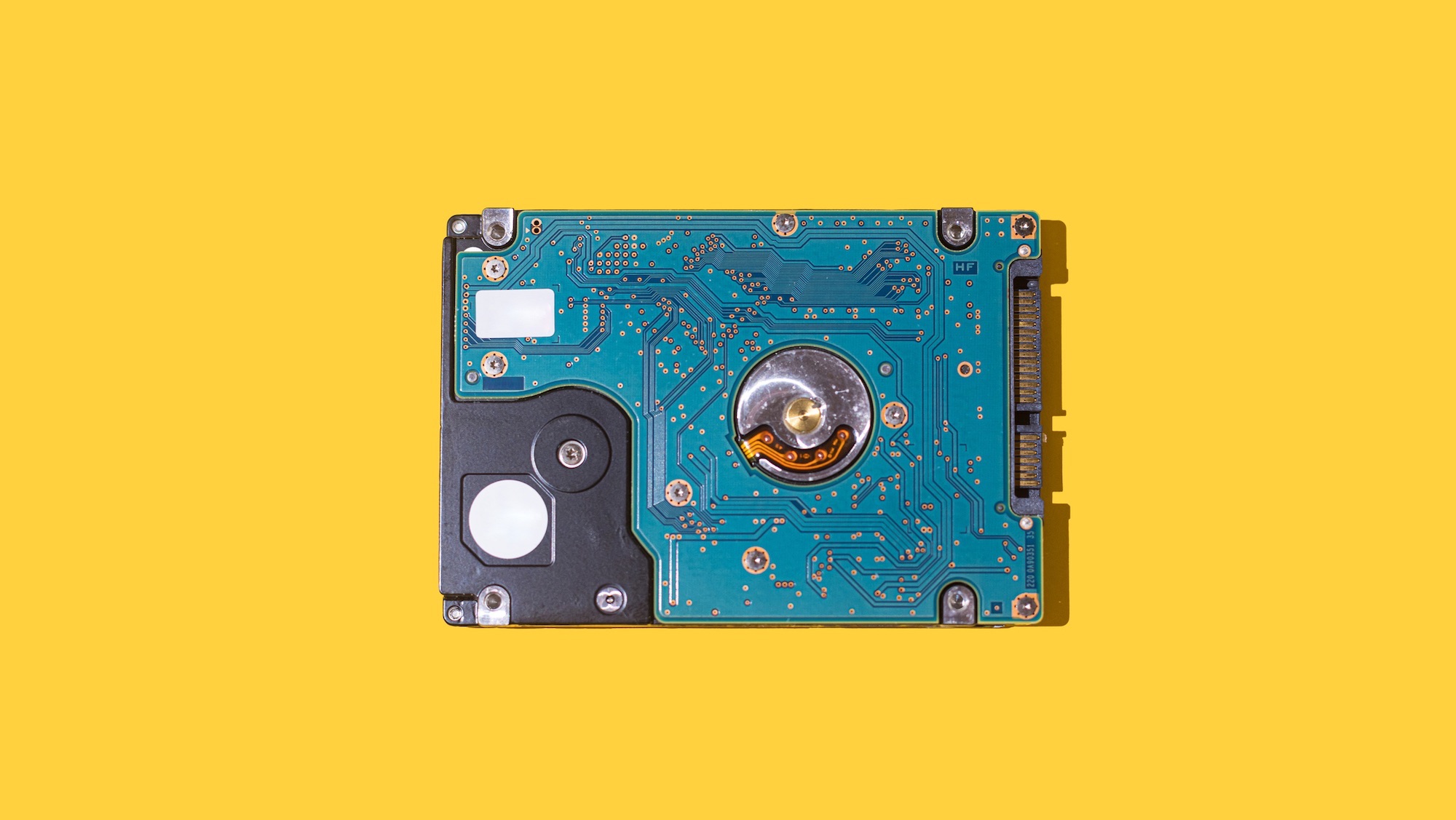
Hard disk drives have served as the backbone of digital storage since IBM introduced the 305 RAMAC in 1956. Modern HDDs operate on a principle of magnetism and mechanical motion, utilizing rapidly spinning platters coated with magnetic material and read/write heads that hover mere nanometers above the surface. This mechanical complexity is the primary reason for their relatively short lifespan.
Industry data from cloud storage providers, such as Backblaze, which monitors hundreds of thousands of drives, suggests that most consumer-grade HDDs have a reliable lifespan of three to five years. During the first year of operation, drives often experience a "burn-in" period where manufacturing defects manifest, a phenomenon known as infant mortality. If a drive survives the first year, it typically enters a period of stable operation until the three-year mark, after which failure rates climb significantly.
The failure of an HDD is often preceded by physical symptoms. Unusual clicking sounds—often referred to as the "Click of Death"—indicate that the actuator arm is struggling to find the correct data track. Increased vibration or "whirring" noises suggest bearing wear in the spindle motor. Beyond mechanical failure, magnetic degradation can occur; over decades, the magnetic orientation of the bits on the platter can flip, leading to corrupted files. For long-term archiving, HDDs require "refreshing"—powering them on and rewriting data every few years—to ensure the magnetic integrity remains intact.
The Solid-State Revolution and the Limits of Flash Memory
Solid-state drives (SSDs) represented a paradigm shift in storage, removing all moving parts in favor of NAND flash memory. By storing data as electrical charges within microscopic cells, SSDs offer significantly higher speeds and greater resistance to physical shock compared to HDDs. However, they are not immortal; their lifespan is dictated by write endurance and charge leakage.
The longevity of an SSD is measured in Terabytes Written (TBW). Each time data is written or erased, the insulating layers within the flash cells undergo microscopic physical stress. Eventually, these layers break down, and the cell can no longer hold a charge. For the average consumer writing 20 to 40 gigabytes of data per day, a modern SSD can theoretically last over a decade. High-end enterprise drives can last even longer, though they are often retired early to prevent data loss.
A more insidious threat to SSDs is "cold storage" data loss. Because SSDs rely on trapped electrons to represent data, these electrons can eventually leak out if the drive is left unpowered for extended periods. In high-temperature environments, an unpowered SSD can begin to lose data in as little as one to two years. Therefore, while SSDs are superior for daily performance, they are often considered less reliable than magnetic tape or high-quality HDDs for long-term, unpowered "deep" archiving.
Network-Attached Storage (NAS) and the Complexity of Uptime
Network-Attached Storage (NAS) systems are specialized file-level storage servers that connect to a network, allowing multiple users and heterogeneous client devices to retrieve data from a centralized disk capacity. While a NAS provides the benefit of redundancy through RAID (Redundant Array of Independent Disks) configurations, the environment in which these drives operate can actually shorten their individual lifespans.
A NAS drive typically operates 24/7, subjected to constant heat and vibration from neighboring drives in a multi-bay enclosure. Because of this, manufacturers produce "NAS-certified" drives, such as the Western Digital Red or Seagate IronWolf series, which are engineered with vibration sensors and firmware optimized for RAID environments. Even with these protections, the average lifespan of a drive within a NAS remains in the three-to-five-year range.
The broader implication of NAS storage is the "rebuild" risk. When one drive in a RAID array fails, the system must read every bit of data from the remaining drives to reconstruct the lost information on a new replacement drive. This process is incredibly stressful for the remaining aging drives; it is not uncommon for a second drive to fail during the rebuild process, leading to total data loss. This highlights the reality that redundancy is not a substitute for a separate, off-site backup.
Removable Media: USB Flash Drives and SD Cards
USB flash drives and Secure Digital (SD) cards utilize the same NAND flash technology found in SSDs but are generally built with lower-grade components and less sophisticated controllers. These devices are designed for convenience and portability rather than long-term data integrity.
The standard for SD cards suggests that a memory cell should preserve data for at least ten years under ideal conditions. However, the physical form factor is often the first point of failure. The plastic casing of an SD card is fragile, and the gold-plated "teeth" or contact points can wear down or oxidize over time. If a card is inserted and removed frequently, the physical interface may fail long before the memory cells do.
Furthermore, because removable flash media is often used in cameras and mobile devices, it is frequently exposed to extreme temperatures and humidity. A USB drive left in a hot car or an SD card used in a humid tropical environment may see its lifespan cut in half. Experts recommend using these devices only for data transfer, rather than as a primary storage or long-term backup solution.
Chronology of Digital Decay and Industry Standards
To understand the timeline of storage failure, one must look at the standard lifecycle of digital hardware. The Joint Electron Device Engineering Council (JEDEC) sets the industry standards for how long memory should last. For consumer SSDs, JEDEC standards generally require that a drive must be able to retain data for one year at 30 degrees Celsius (86 degrees Fahrenheit) after it has reached its write-endurance limit.
The chronology of failure typically follows this pattern:
- 0–12 Months: "Infant mortality" phase; failures due to manufacturing defects.
- 1–3 Years: The "Golden Age" of the drive; lowest failure rates and peak performance.
- 3–5 Years: Mechanical wear (HDDs) and controller fatigue begin to manifest. Annual failure rates (AFR) start to climb.
- 5–10 Years: Most consumer drives reach the end of their reliable life. Bit rot becomes a significant statistical probability.
- 10+ Years: Data retention becomes a gamble. Unpowered flash memory is likely to have suffered charge leakage, and HDD lubricants may have dried out, causing the spindle to seize.
Broader Implications: The Digital Dark Age
The fragility of digital storage has led historians and computer scientists to warn of a "Digital Dark Age." Vint Cerf, often cited as one of the "fathers of the internet," has expressed concern that the 21st century could become a black hole in history because the hardware and software required to read our digital records will no longer exist.
The issue is twofold: the physical degradation of the media and the obsolescence of the file formats and interfaces. Even if an old HDD from 1995 survives, finding a machine with a working IDE (Integrated Drive Electronics) interface and software capable of reading proprietary 30-year-old file formats is an increasingly difficult task.
This reality necessitates a shift from a "store and forget" mentality to one of "active curation." Digital preservation requires a strategy of constant migration—moving data from old drives to new ones every few years and updating file formats to modern standards.
Conclusion and Strategic Recommendations
The data is clear: no digital storage medium is permanent. To mitigate the risks of hardware failure and bit rot, a "3-2-1" backup strategy remains the industry gold standard. This involves keeping three copies of data, stored on two different types of media, with at least one copy located off-site.
For the average user, this means utilizing a fast SSD for daily work, a high-capacity HDD or NAS for local backups, and a reputable cloud service for off-site redundancy. By understanding that digital storage is a consumable resource with a finite expiration date, individuals and organizations can take the necessary steps to ensure their data outlives the hardware it currently inhabits. The revival of physical media may offer a sense of ownership, but in the digital realm, permanence is an illusion maintained only through constant vigilance and systematic migration.