



The modern smartphone has become an indispensable tool for daily life, yet it is often subject to a perceived lifecycle that encourages replacement every two to three years. While hardware components like processors and displays are more durable than ever, the software environment often degrades over time, leading to sluggish performance, decreased battery life, and storage shortages. For many consumers, the decision to upgrade is driven by these performance bottlenecks rather than total hardware failure. However, industry data and technical analysis suggest that with proactive software management and strategic system maintenance, the functional life of a high-end smartphone can be extended significantly, often reaching five years or more before a replacement becomes a technical necessity.
The Evolution of Smartphone Longevity
The smartphone industry has reached a point of diminishing returns regarding year-over-year hardware leaps. In the early 2010s, a two-year-old phone was often functionally obsolete due to rapid advancements in CPU architecture and mobile network standards. In the current market, however, processors from several years ago remain remarkably capable of handling modern applications. According to market research from groups such as Strategy Analytics, the average replacement cycle for smartphones in developed markets has increased from approximately 24 months in 2014 to over 40 months in 2024.
This shift is driven by both the rising cost of flagship devices—many of which now exceed $1,000—and a growing awareness of the environmental impact of electronic waste. Despite this, "software rot"—the gradual slowdown caused by accumulated cache files, background processes, and unoptimized applications—remains the primary reason users feel their devices are failing. Addressing these issues requires a multi-faceted approach involving app auditing, storage reclamation, and, in some cases, a total system restoration.
The Role of Application Management and Background Optimization
The primary drain on a smartphone’s system resources is rarely the active application but rather the multitude of background processes competing for CPU cycles and Random Access Memory (RAM). As users install more applications over time, many of these programs register themselves to run in the background to provide notifications, track location, or sync data.
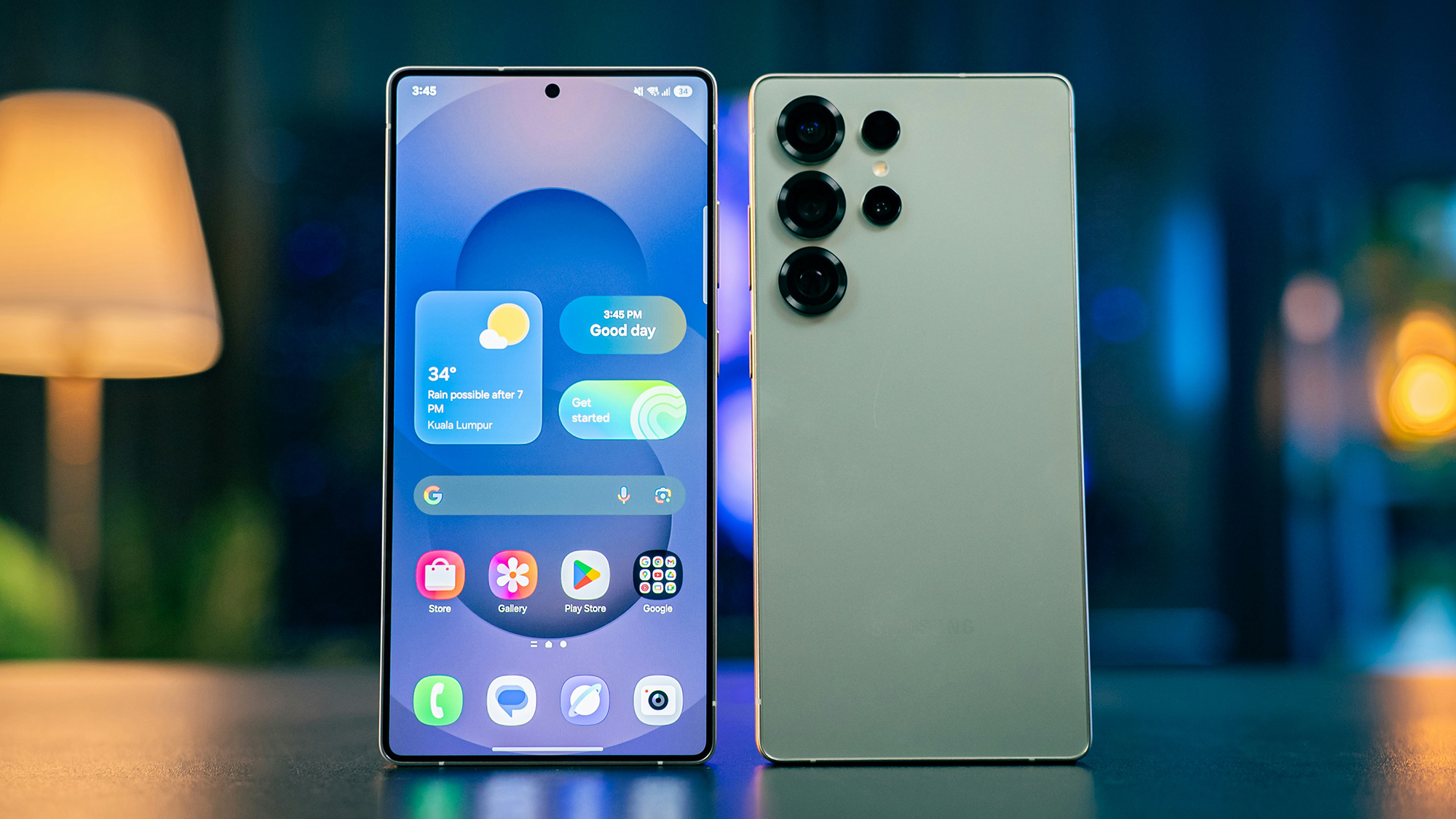
On the Android platform, the management of these background processes is critical. Android’s architecture allows for significant flexibility, but this can lead to "vampire" apps that consume battery and memory even when not in use. To mitigate this, users are encouraged to perform an "app audit," removing any software that has not been opened in the last 30 days. For the remaining apps, Android provides a "Background Usage" toggle within the App Info settings. Disabling this for non-essential apps prevents them from waking the processor, thereby preserving both speed and battery longevity.
Apple’s iOS takes a more restrictive approach to background tasks, but it is not immune to bloat. The "Background App Refresh" feature allows apps to check for updates and new content even when they are not the primary focus. While convenient, having dozens of apps refreshing simultaneously can cause micro-stutters in the user interface. By navigating to Settings > General > Background App Refresh, users can selectively disable this feature for apps that do not require real-time updates, such as shopping or travel apps, while keeping it active for essential services like messaging or navigation.
The Physics of Storage and Flash Memory Performance
One of the most misunderstood aspects of smartphone performance is the relationship between available storage and system speed. Most smartphones utilize NAND flash memory, which operates most efficiently when it has a significant amount of "breathing room." When a device’s storage is near capacity (typically 90% or higher), the controller responsible for writing data to the memory must work harder to find available blocks, a phenomenon known as "write amplification." This results in a noticeable lag when opening apps, saving photos, or even switching between menus.
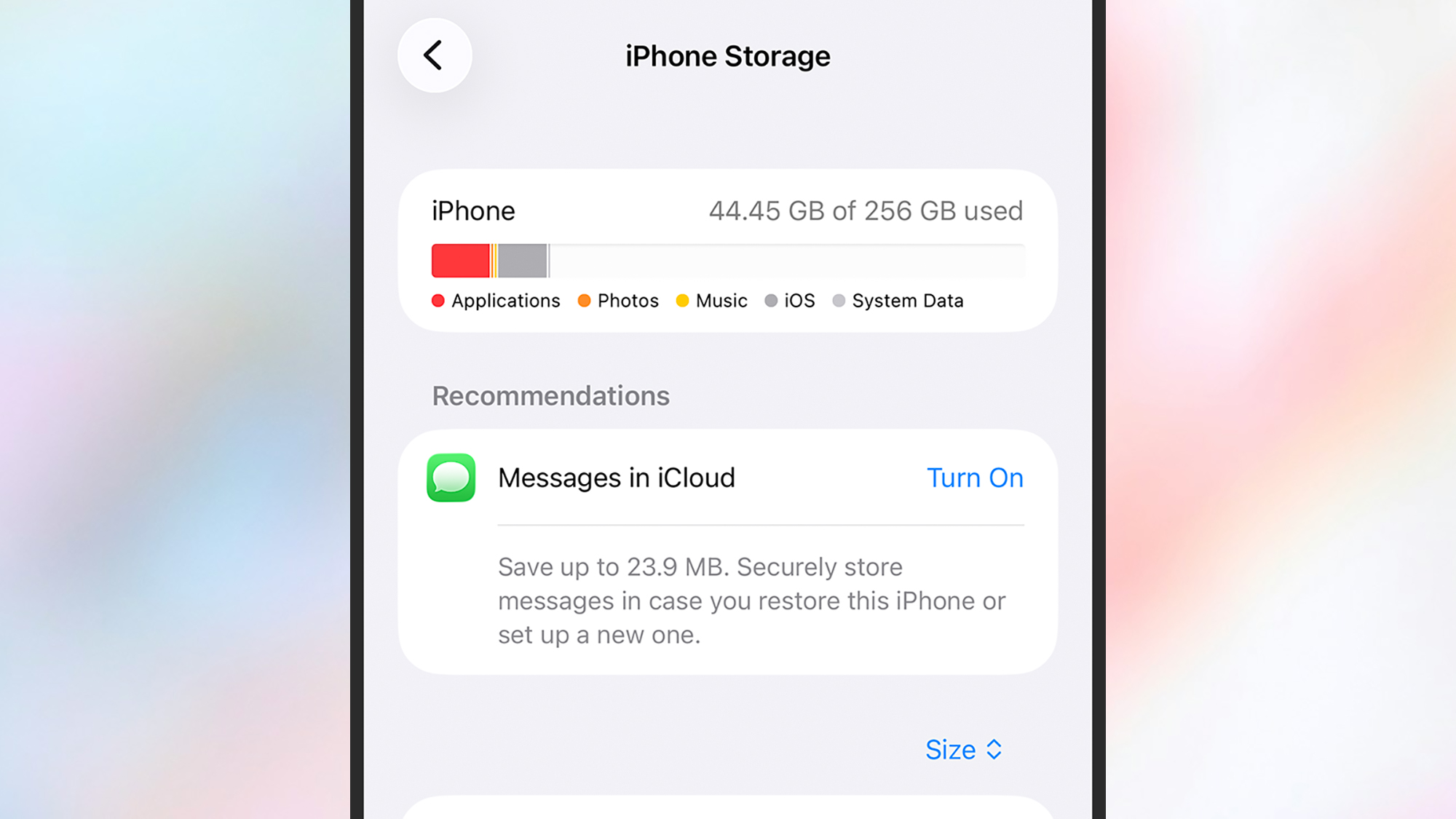
Both major mobile operating systems have introduced tools to help users manage this. Android’s "Files by Google" app includes a "Clean" function that uses machine learning to identify duplicate files, blurry photos, and large attachments that can be safely deleted. On iOS, the "iPhone Storage" menu provides a visual breakdown of data usage and offers "Recommendations," such as offloading unused apps. Offloading is a unique feature that deletes the app’s binary file to save space while keeping the user’s data and documents intact, allowing for a seamless transition if the app is re-downloaded later.
For users of Samsung Galaxy devices, additional optimizations are available through the "RAM Plus" feature. While intended to boost performance by using a portion of the internal storage as virtual RAM, this can actually slow down older devices if the internal storage is already struggling with speed. In many cases, disabling RAM Plus or reducing its allocation can lead to a more consistent, if slightly less "multitask-heavy," experience.
The "Nuclear Option": The Benefits of a Factory Reset
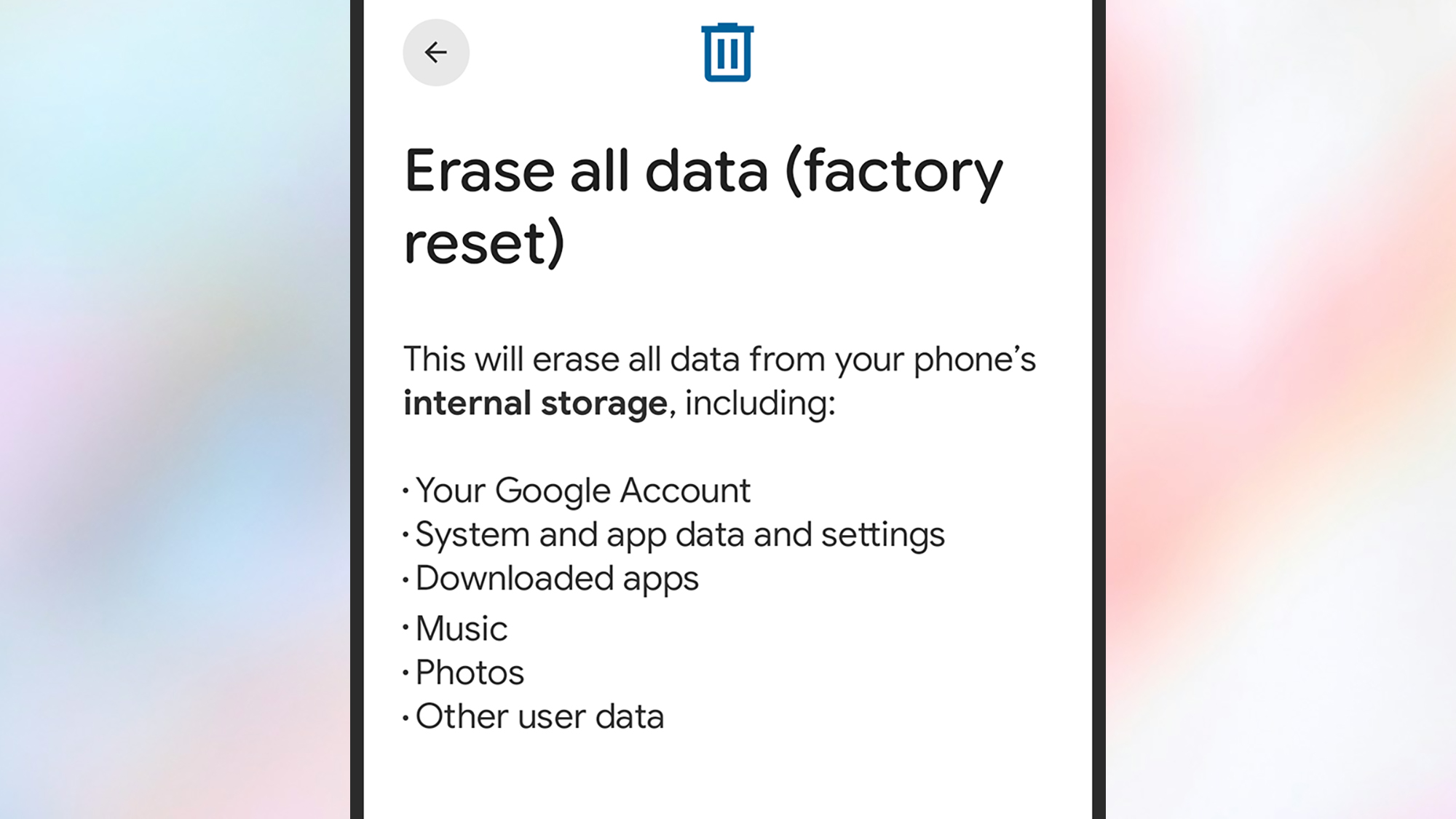
When incremental cleaning fails to restore a device to its original snappiness, the most effective solution is a factory data reset. This process wipes the device’s internal storage and reinstalls the operating system in its "cleanest" state. Over years of use, system updates can sometimes leave behind fragmented files or registry errors that a simple reboot cannot fix. A factory reset eliminates this digital debris.
Technicians often recommend a "fresh start" rather than restoring from a full backup immediately after a reset. Restoring from a backup can sometimes reintroduce the very software configurations or corrupted cache files that caused the slowdown in the first place. Instead, users should sign into their accounts (Google or Apple ID) to sync essential data like contacts, calendars, and photos, and then manually reinstall only the applications they truly need.
Before proceeding with a reset, data integrity is paramount. Industry experts suggest a "rule of three" for backups: one copy on the device, one in a cloud service (like iCloud or Google One), and one physical backup on a computer or external drive. Once the data is verified, the reset can be performed through the system settings. On Android, this is found under System > Reset Options; on iOS, it is located under General > Transfer or Reset iPhone.
Hardware Considerations: Battery Health and Thermal Throttling
Beyond software, the physical health of the lithium-ion battery is the most significant factor in a phone’s performance. Batteries are consumable components that chemically age. As a battery’s maximum capacity drops (typically below 80% of its original design), the operating system may implement "performance management" or "thermal throttling" to prevent the device from shutting down unexpectedly during peak power demands.
Apple famously faced scrutiny for this practice, leading to the "Battery Health" menu in iOS, which informs users if their performance is being throttled. For older devices, a battery replacement—costing significantly less than a new phone—can often restore a device to its original "out of the box" speed. Maintaining a battery between 20% and 80% charge and avoiding extreme temperatures are the most effective ways to delay this degradation.
Security Lifecycles and the Deciding Factor for Upgrades
While performance can often be recovered, the ultimate "hard limit" on a smartphone’s life is its security update cycle. A device that no longer receives security patches is vulnerable to exploits, making it unsafe for banking or sensitive communications.
Historically, Android manufacturers offered only two to three years of updates, while Apple provided five to seven. However, the industry is shifting. In 2024, both Google and Samsung committed to seven years of security and OS updates for their flagship devices (the Pixel 8 and S24 series, respectively). This change significantly alters the value proposition of keeping an older phone. If a device is still receiving security updates, the software optimization steps mentioned above are viable. Once a device reaches its "End of Life" (EOL) for security support, an upgrade is recommended regardless of how fast the hardware feels.
Economic and Environmental Implications
The push for device longevity is supported by significant data regarding the environmental cost of the tech industry. According to the Global E-waste Monitor, the world generated 62 million metric tons of e-waste in 2022, a figure that is on track to rise by a third by 2030. Smartphones contribute a disproportionate amount to this total due to their high turnover rate and the rare earth minerals required for their production.
By extending the life of a smartphone from three years to five, a consumer reduces their personal e-waste contribution by 40% and significantly lowers their "cost per year" for mobile technology. Consumer advocacy groups, such as iFixit and the Public Interest Research Group (PIRG), have long lobbied for the "Right to Repair," arguing that software locks and inaccessible parts are the primary barriers to a sustainable tech ecosystem.
In conclusion, the perceived obsolescence of a smartphone is often a software issue rather than a hardware failure. By aggressively managing background apps, maintaining at least 15-20% free storage space, and performing periodic factory resets, users can bypass the traditional two-year upgrade cycle. As manufacturers move toward longer support windows, the ability to maintain an aging device becomes not just a technical challenge, but a financially and environmentally responsible habit. The snappiness of a new phone is often just a few settings and a clean install away.