



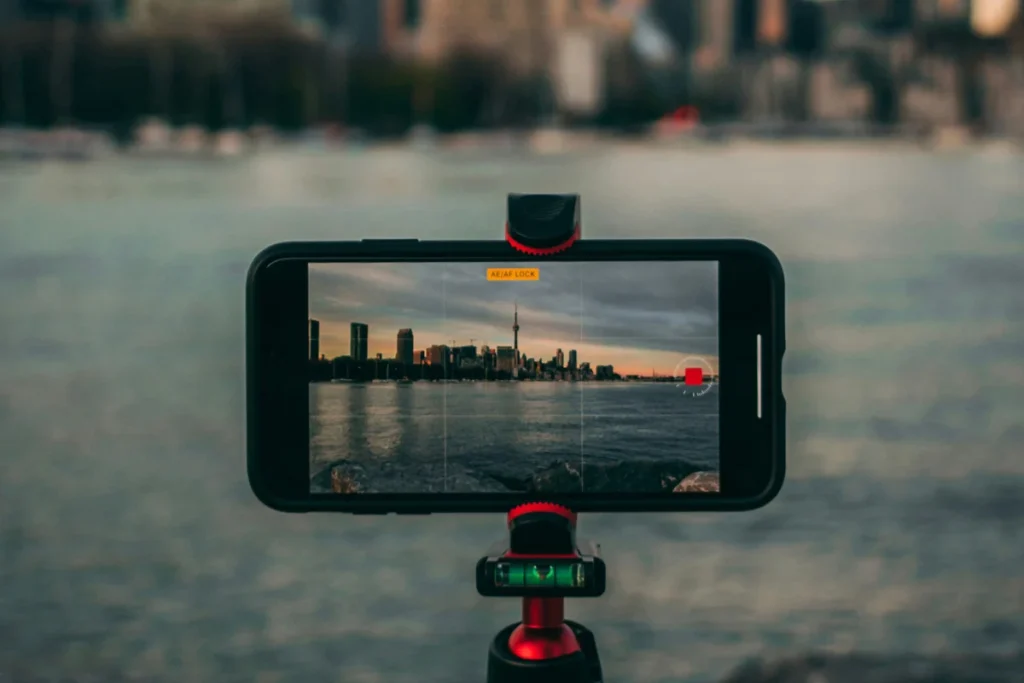
The global landscape of digital content creation underwent a significant structural shift following Adobe Inc.’s strategic deployment of its flagship video editing software to mobile operating systems. Expanding beyond its traditional stronghold in desktop computing environments, the release of Adobe Premiere for iOS in September 2025, followed by its corresponding Android launch in late 2026, represents a fundamental pivot in how software corporations distribute professional-grade tools to the general public. By removing subscription barriers and foundational account requirements for core editing functions, Adobe has initiated a competitive challenge within the mobile application market, directly addressing the growing demand for sophisticated, accessible tools among everyday smartphone users and independent creators.
Background Context and Strategic Evolution
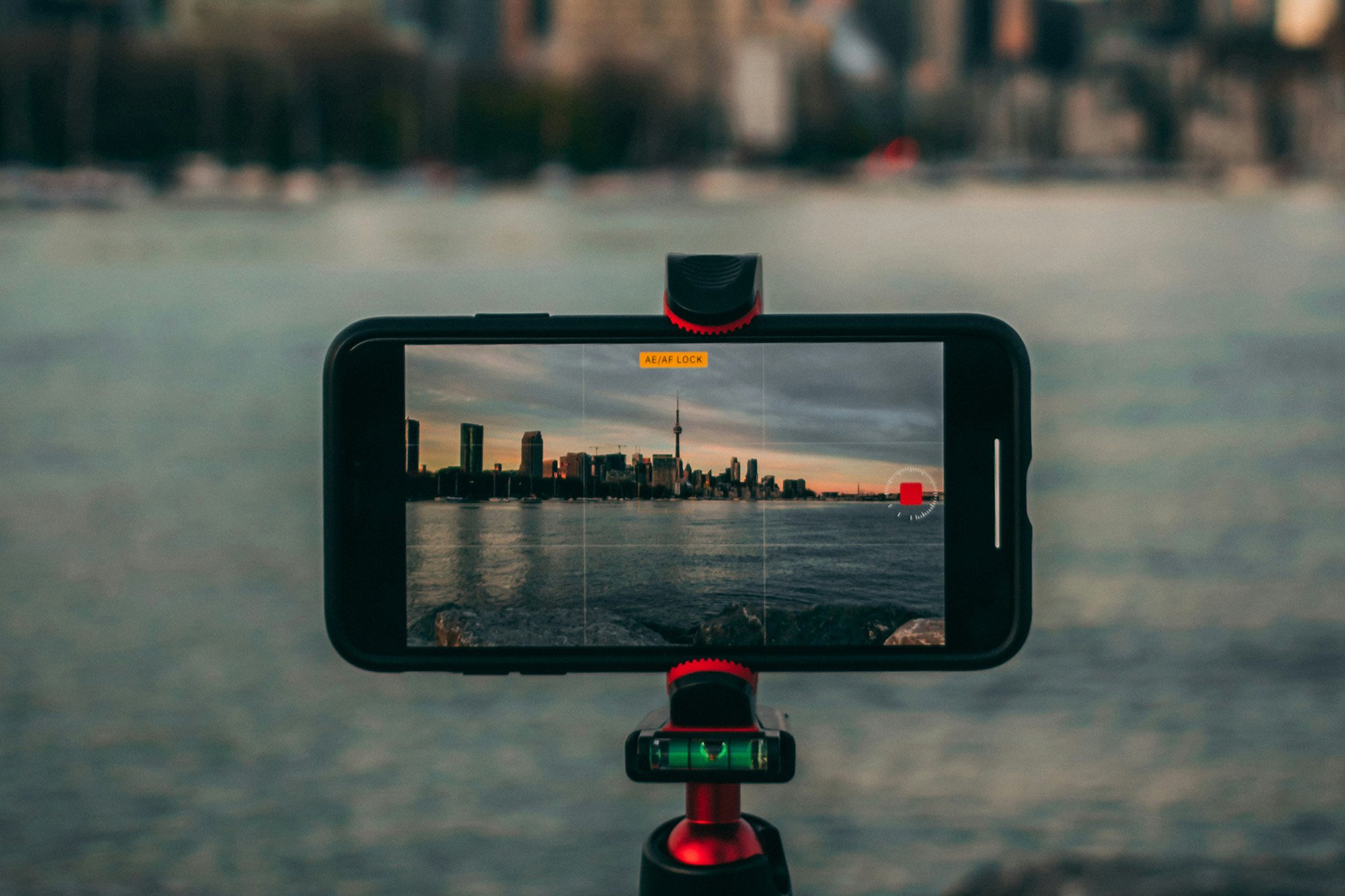
For decades, the Adobe Premiere ecosystem was synonymous with high-end desktop workstations, targeted primarily at broadcast television professionals, Hollywood film editors, and dedicated commercial content creators. Requiring hefty hardware specifications and expensive, recurring Creative Cloud subscriptions, the desktop platform remained largely inaccessible to casual users. However, the exponential rise of short-form video content on platforms such as TikTok, Instagram Reels, and YouTube Shorts transformed the smartphone into the primary capture and distribution device for a vast demographic of creators.
Recognizing this market evolution, software developers increasingly turned toward mobile-first ecosystems. Yet, many of these applications relied heavily on restrictive paywalls, watermarks, or locked features that frustrated users. Adobe’s entry into the free-to-use mobile video editing space alters this dynamic. By offering a robust timeline editor without requiring an upfront financial commitment or a mandatory software license, the company has lowered the barrier to entry for high-fidelity video production. The only monetization mechanism integrated into the core application relies on optional generative artificial intelligence (AI) credits, preserving the utility of standard non-AI editing tools for all users at zero cost.
Chronology of the Mobile Rollout
The rollout of Adobe’s mobile video strategy occurred in distinct phases, reflecting the technical complexities of adapting complex timeline-based software to mobile architectures:
- September 2025: Adobe officially launches Premiere for iOS, introducing cross-device compatibility for Apple ecosystem users and establishing a preliminary framework for mobile timeline editing.
- Mid-2026: Iterative updates refine interface responsiveness, introducing advanced audio mixing, basic color grading presets, and template integration for rapid content assembly.
- Late 2026: The official release of Adobe Premiere for Android extends the software to the broader global smartphone market, achieving platform parity and enabling cross-operating-system project synchronization for users moving between Android and iOS devices.
Core Functional Architecture and Editing Workflow
Designing a professional video editor for a compact mobile screen requires careful interface optimization. Adobe Premiere’s mobile application accomplishes this by dividing its workflow into two primary paradigms: the traditional timeline editor and the template-driven quick-assembly mode.
Within the timeline view, users interact with a multi-track interface familiar to anyone with desktop editing experience. Media assets—ranging from local smartphone captures to downloaded audio snippets—are arranged sequentially. Essential manipulation tools include precision splitting, which divides clips at the exact playhead coordinate, and dynamic handle adjustments that allow creators to trim or extend footage effortlessly.
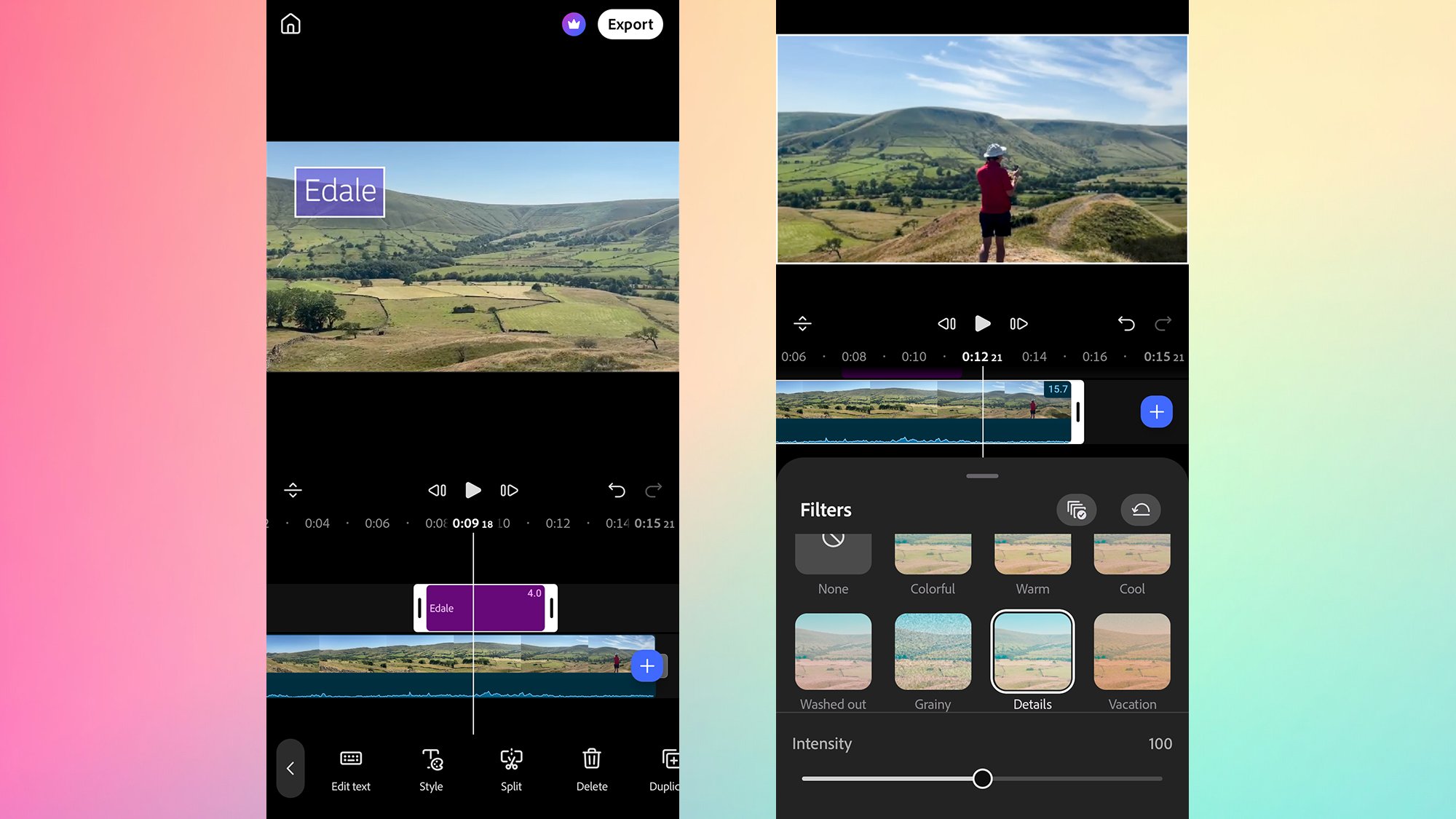
Advanced timeline capabilities further elevate the application beyond basic cropping utilities. The "Retime" tool allows users to alter playback speeds or execute freeze-frame effects directly on mobile hardware. Additionally, integrated filters, visual effects such as simulated camera shakes or lighting glows, and basic geometric transformations (mirroring, flipping, and duplicating) provide substantial creative control. Audio management features support the layering of voiceovers, background tracks, and local files, while automated scene-transition tools smooth the visual transitions between disparate clips.
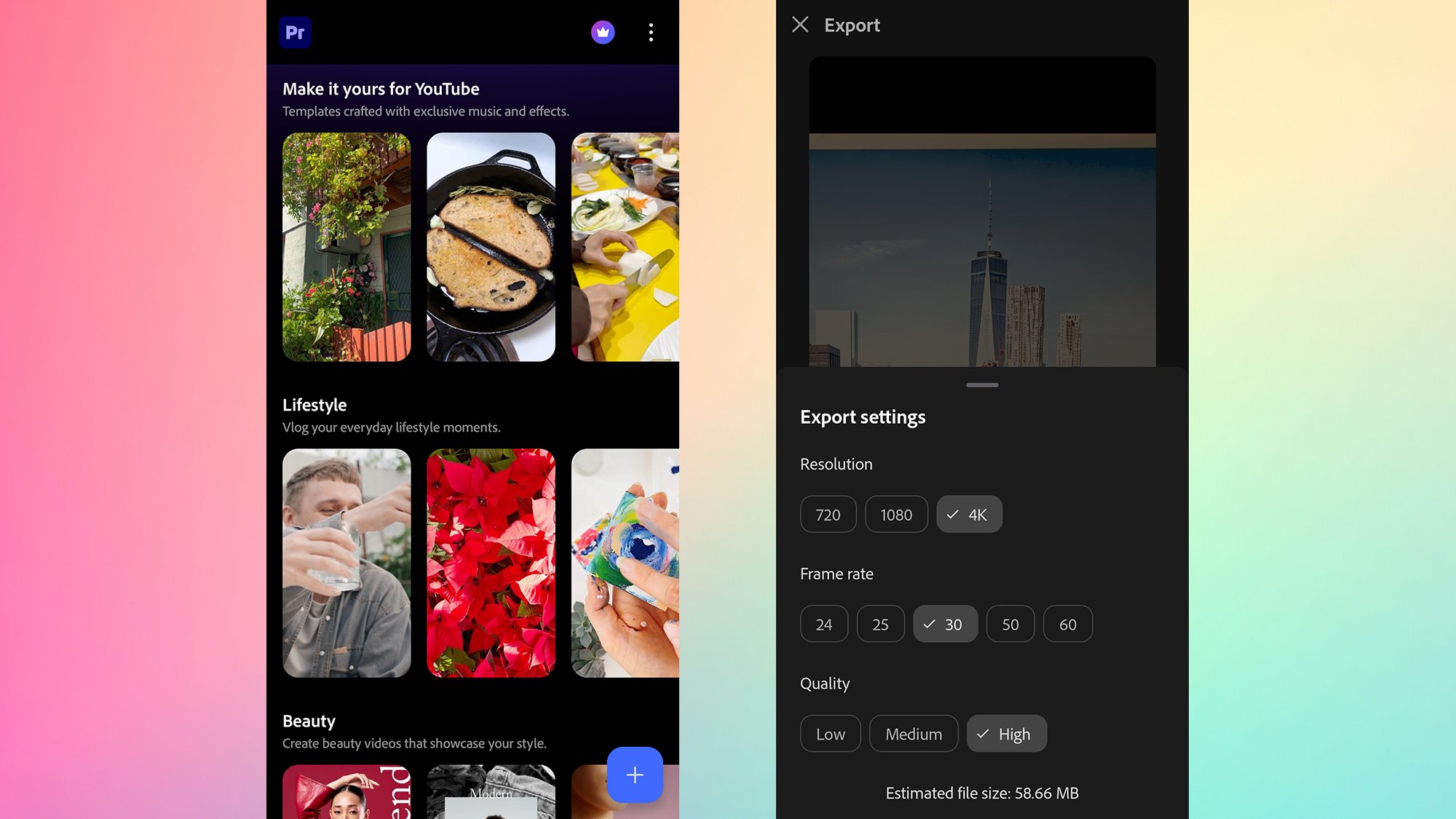
For creators prioritizing speed over manual customization, the application incorporates pre-built templates categorized across genres such as lifestyle, beauty, and travel. Users select a template, populate designated placeholder slots with personal media libraries, and automatically generate polished videos complete with synchronized transitions, titles, and backing tracks. While template projects can be exported immediately, users retain the option to transfer them into the "Full editor" mode for granular, timeline-level refinement—though this transition is permanently irreversible for that specific project file.
Integration of Generative Artificial Intelligence
A central component of Adobe’s modern software strategy involves the integration of generative AI. Within the mobile iteration of Premiere, users can access an array of AI-powered tools via a dedicated generation button. These features include automated content generation for images and video backgrounds, designed to assist creators in producing dynamic visuals without requiring external software.
However, unlike the core timeline and templating features, the generative AI suite operates under a usage-based credit model. While the creation of an initial Adobe account is free, users receive a limited allocation of complimentary AI generations. Exceeding this threshold requires purchasing additional credit bundles, aligning with industry standards for cloud-intensive computational tasks such as neural network rendering and generative video synthesis.
Industry Implications and Market Competition
The introduction of a fully featured, free-tier mobile video editor from an industry titan like Adobe carries significant implications for the broader software market. Independent developers and smaller third-party app studios, many of whom rely on aggressive subscription models for basic video filters and export capabilities, now face intense competition from a trusted enterprise brand offering similar or superior capabilities at no initial cost.
Furthermore, the cross-platform synchronization feature—allowing users to transition mobile projects directly into desktop versions of Premiere for advanced post-production—creates a powerful ecosystem lock-in. While casual users can complete entire projects exclusively on their phones, semi-professional creators gain a seamless bridge between mobile capture and desktop finishing suites.
As smartphone camera sensors continue to improve—capable of recording in high-framerate 4K and advanced cinematic color profiles—the demand for mobile processing power will only escalate. By providing an optimized, scalable, and largely free editing environment, Adobe has positioned its mobile application not merely as a companion utility, but as a central hub for the next generation of digital media production.