


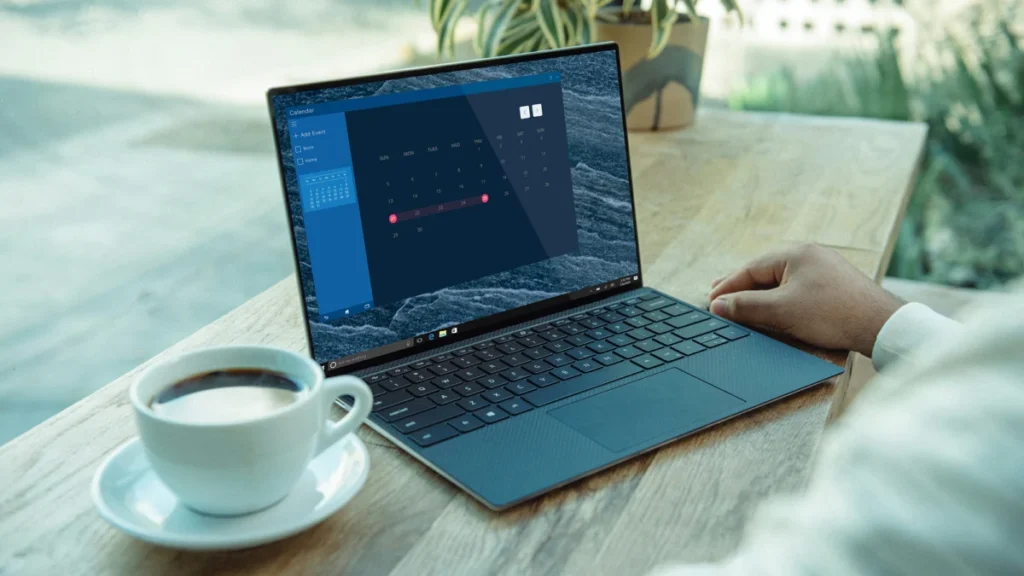
The rapid cycle of hardware obsolescence has become a defining characteristic of the modern computing era. As software requirements for dominant operating systems like Microsoft Windows and Apple’s macOS continue to escalate, millions of functional laptops are discarded annually, contributing to a mounting global e-waste crisis. However, a robust and increasingly user-friendly alternative exists within the open-source ecosystem. By transitioning to a Linux-based distribution, users can bypass the hardware limitations imposed by proprietary software, effectively extending the lifecycle of aging hardware by several years.
The challenge of aging hardware has been exacerbated by the release of Windows 11, which introduced stringent system requirements, including the necessity for Trusted Platform Module (TPM) 2.0. This requirement effectively orphaned millions of devices manufactured prior to 2018, despite many of these machines possessing capable processors and sufficient memory for daily tasks. In this landscape, Linux has emerged not merely as a niche tool for developers, but as a viable sustainability solution for the general public.
The Technical Foundation: Understanding the Linux Ecosystem
Linux is not a single operating system in the traditional sense but rather a kernel—the core component that bridges the gap between hardware and software. Since its inception in 1991 by Linus Torvalds, the Linux kernel has served as the foundation for hundreds of distinct operating systems known as "distributions" or "distros." Unlike Windows or macOS, which are developed behind closed doors by monolithic corporations, Linux is built on the principle of open-source collaboration.
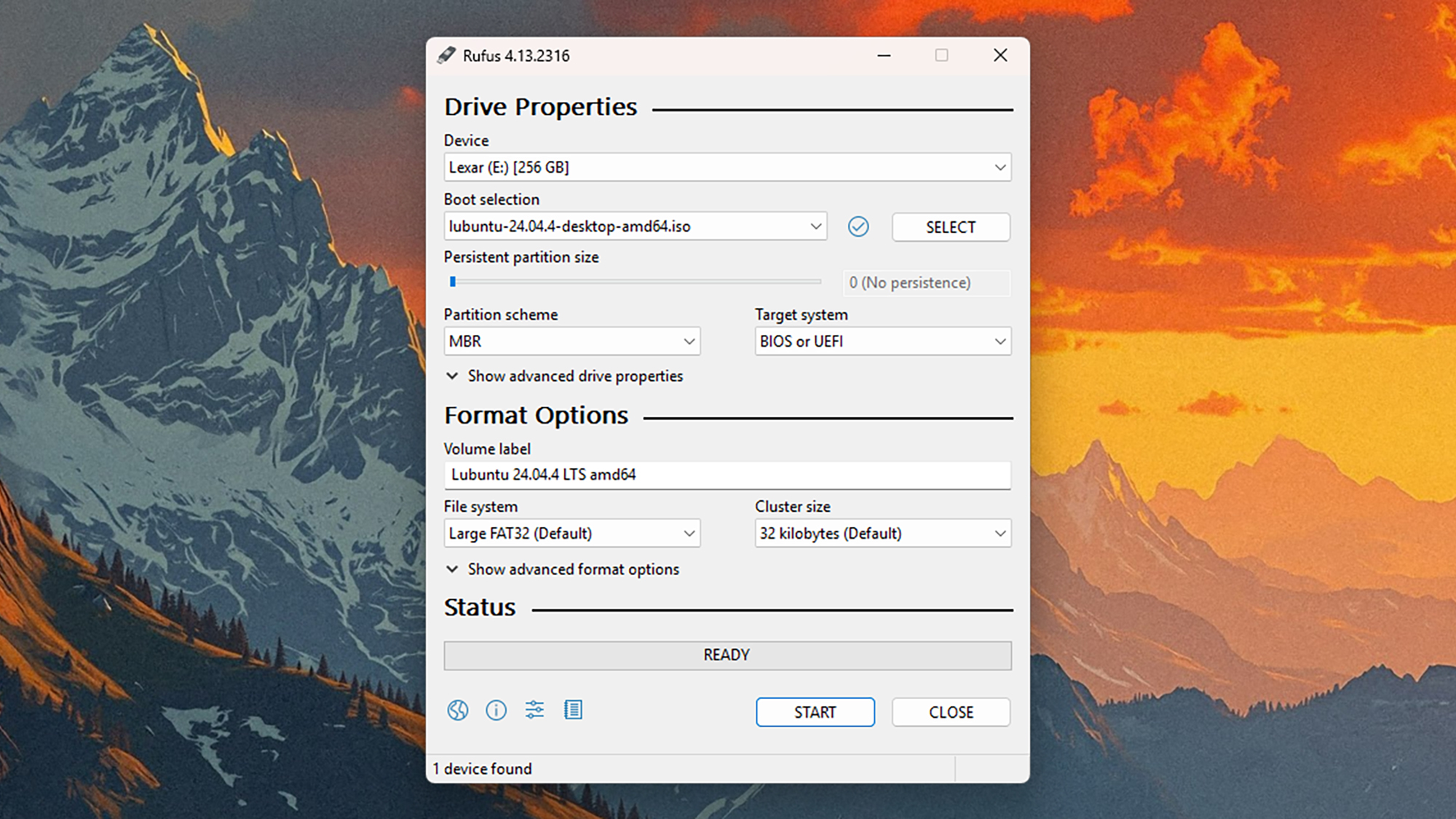
The diversity of the Linux ecosystem is its primary strength when reviving old hardware. While some distributions, like Ubuntu or Fedora, are designed for modern, high-performance machines, others are specifically engineered for "low-spec" environments. These lightweight distributions utilize desktop environments such as XFCE, LXQt, or MATE, which require significantly less Random Access Memory (RAM) and Central Processing Unit (CPU) overhead than the graphical interfaces found in Windows 11 or macOS Sonoma.
Statistical Context: The Environmental and Economic Case
The transition to Linux is supported by compelling environmental data. According to the Global E-waste Monitor, the world generated approximately 62 million metric tonnes of e-waste in 2022, a figure projected to rise by 33% by 2030. Laptops and small IT equipment constitute a significant portion of this waste. Extending the life of a laptop from four years to seven years can reduce its overall carbon footprint by nearly 40%, as the majority of a device’s environmental impact occurs during the manufacturing and shipping phases.
Economically, the "Linux pivot" offers a zero-cost upgrade path. While a new mid-range laptop typically costs between $500 and $900, a Linux installation is free. For educational institutions, non-profits, and households on a budget, this represents a significant preservation of capital. Furthermore, Linux distributions often provide superior security for older machines; whereas Microsoft eventually ceases security patches for older versions of Windows (such as the upcoming end-of-support for Windows 10 in October 2025), Linux distributions frequently maintain support for older architectures for a decade or more.
Choosing the Right Distribution for Aging Hardware
Selecting the appropriate distribution is the most critical step in the revival process. The choice depends largely on the age of the laptop and the technical proficiency of the user.
- Linux Mint (XFCE Edition): Often recommended for those transitioning from Windows, Mint offers a familiar taskbar-and-menu interface. The XFCE version is optimized for older hardware while maintaining a modern aesthetic.
- Lubuntu: This distribution uses the LXQt desktop environment, specifically designed to be extremely light on resources. It can often run comfortably on machines with as little as 2GB of RAM.
- Puppy Linux: For truly ancient hardware—laptops from the early 2010s or late 2000s—Puppy Linux is a standout. It is designed to run entirely from the computer’s RAM, making it exceptionally fast even on machines with failing or slow hard drives.
- Linux Lite: This distro targets Windows users specifically, providing a "lite" experience that includes familiar tools like LibreOffice and VLC Media Player pre-installed, ensuring a functional "out-of-the-box" experience.
The Chronology of Installation: A Step-by-Step Methodology
The process of replacing Windows with Linux has been streamlined significantly over the last decade. It typically follows a four-stage chronology:
Phase 1: Data Preservation and Preparation
Before any OS installation, a full backup is mandatory. Unlike an "in-place" Windows update, installing Linux typically involves reformatting the hard drive to use the Ext4 file system, which is more efficient for Linux than the Windows-native NTFS. Users are encouraged to utilize cloud services like Google Drive or physical external drives to secure documents, photos, and browser bookmarks.
Phase 2: Creating Bootable Media
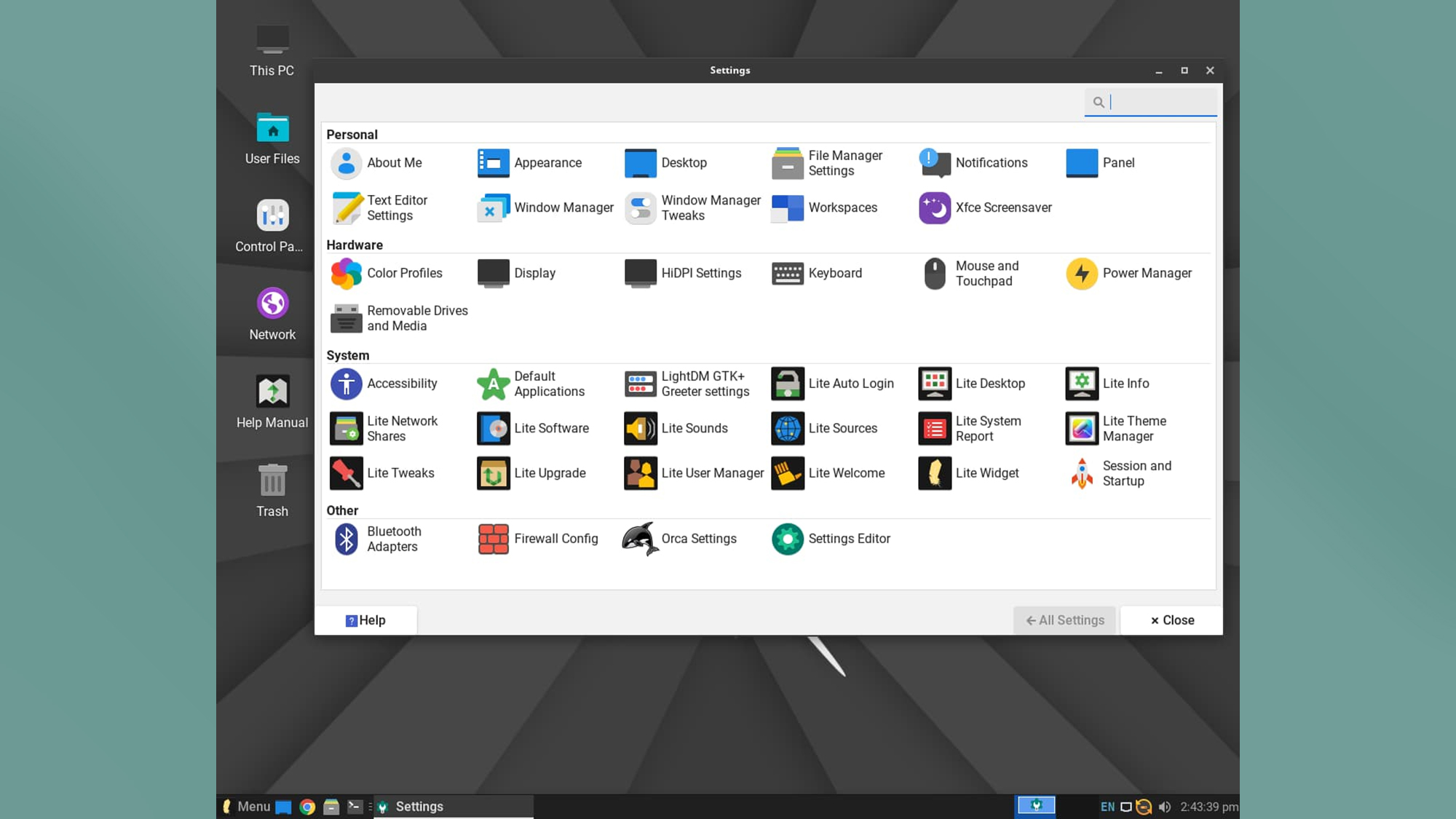
The user must download an "ISO image" of their chosen distribution. Using a utility such as Rufus (on Windows) or BalenaEtcher (cross-platform), this image is "flashed" onto a USB flash drive (8GB or larger). This process transforms the USB stick into a bootable device containing the entire Linux operating system.
Phase 3: The Live Environment and BIOS Configuration
One of the unique features of Linux is the "Live" environment. By booting the laptop from the USB drive—usually achieved by pressing F12, F2, or the Delete key during startup to access the BIOS/UEFI menu—users can run the operating system directly from the USB. This allows for a "test drive" to ensure that Wi-Fi cards, Bluetooth modules, and sound drivers are functioning correctly before any permanent changes are made to the hard drive.
Phase 4: Final Installation
Once the user is satisfied with the hardware compatibility, they trigger the installer. Modern Linux installers, such as Calamares or Ubiquity, provide a graphical interface that guides the user through partitioning, timezone selection, and user account creation. The entire process generally takes between 15 and 30 minutes, significantly faster than a standard Windows installation.
Software Compatibility and the "Modern Web" Analysis
A common concern regarding the switch to Linux is software compatibility. While it is true that Adobe Creative Cloud and the native Microsoft Office suite do not run natively on Linux, the shift toward "Software as a Service" (SaaS) has largely mitigated this issue.
In 2024, the majority of computing tasks—banking, document editing, video streaming, and social media—occur within the web browser. Since Google Chrome, Mozilla Firefox, and Microsoft Edge are all available natively on Linux, the user experience remains largely unchanged for the average consumer. For specialized needs, the Linux community has developed robust alternatives: GIMP serves as a surrogate for Photoshop, LibreOffice replaces Microsoft Office, and Kdenlive provides professional-grade video editing.
Furthermore, the "Wine" (Wine Is Not an Emulator) compatibility layer and Valve’s "Proton" have revolutionized gaming on Linux. According to data from SteamDB, thousands of Windows-native games now run with near-perfect performance on Linux, a development driven largely by the success of the Linux-based Steam Deck.
Broader Implications for the "Right to Repair"
The movement to install Linux on old hardware aligns closely with the "Right to Repair" movement. Advocates argue that consumers should have the right to maintain and software-patch the devices they own without interference from the original manufacturer. By decoupling hardware utility from proprietary software cycles, Linux provides a form of digital sovereignty.
Industry analysts suggest that as more users adopt Linux for secondary or "revived" machines, manufacturers may face increased pressure to provide better driver support and more open hardware documentation. This shift could lead to a more circular economy in the tech sector, where the value of a device is determined by its physical integrity rather than its ability to run the latest version of a specific corporate operating system.
Conclusion: A Sustainable Path Forward
Installing Linux on an old laptop is more than a technical "DIY" project; it is an act of digital conservation. It challenges the prevailing culture of disposability by proving that "slow" hardware is often simply a victim of "bloated" software. As the technical barriers to entry continue to fall, Linux stands as a testament to the power of community-driven innovation, offering a free, secure, and environmentally responsible way to keep our technology in our hands and out of the landfill. For the millions of Windows 10 users facing a hardware dead-end in 2025, the Linux family of operating systems offers not just a second chance for their computers, but a more sustainable relationship with technology as a whole.