




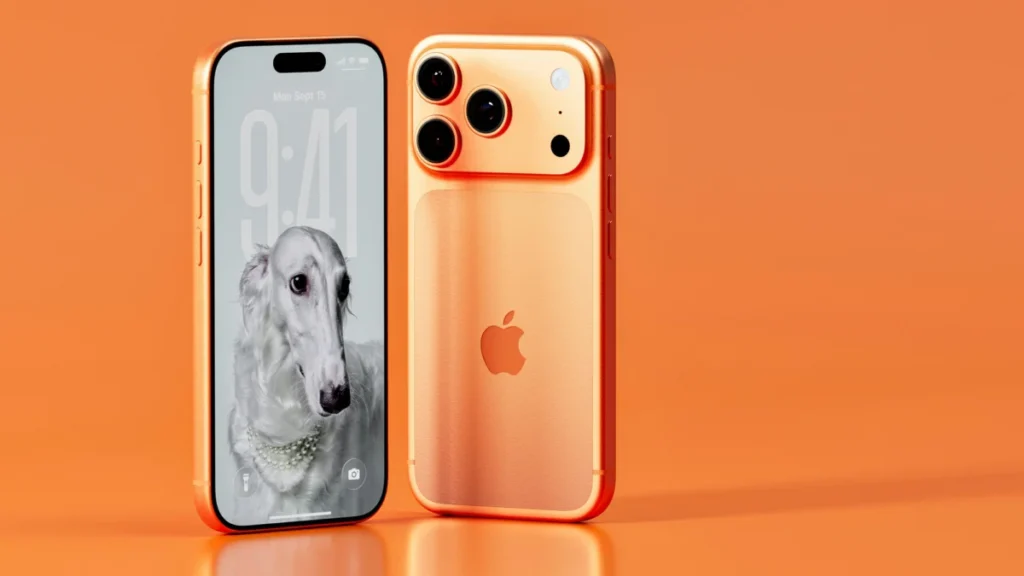
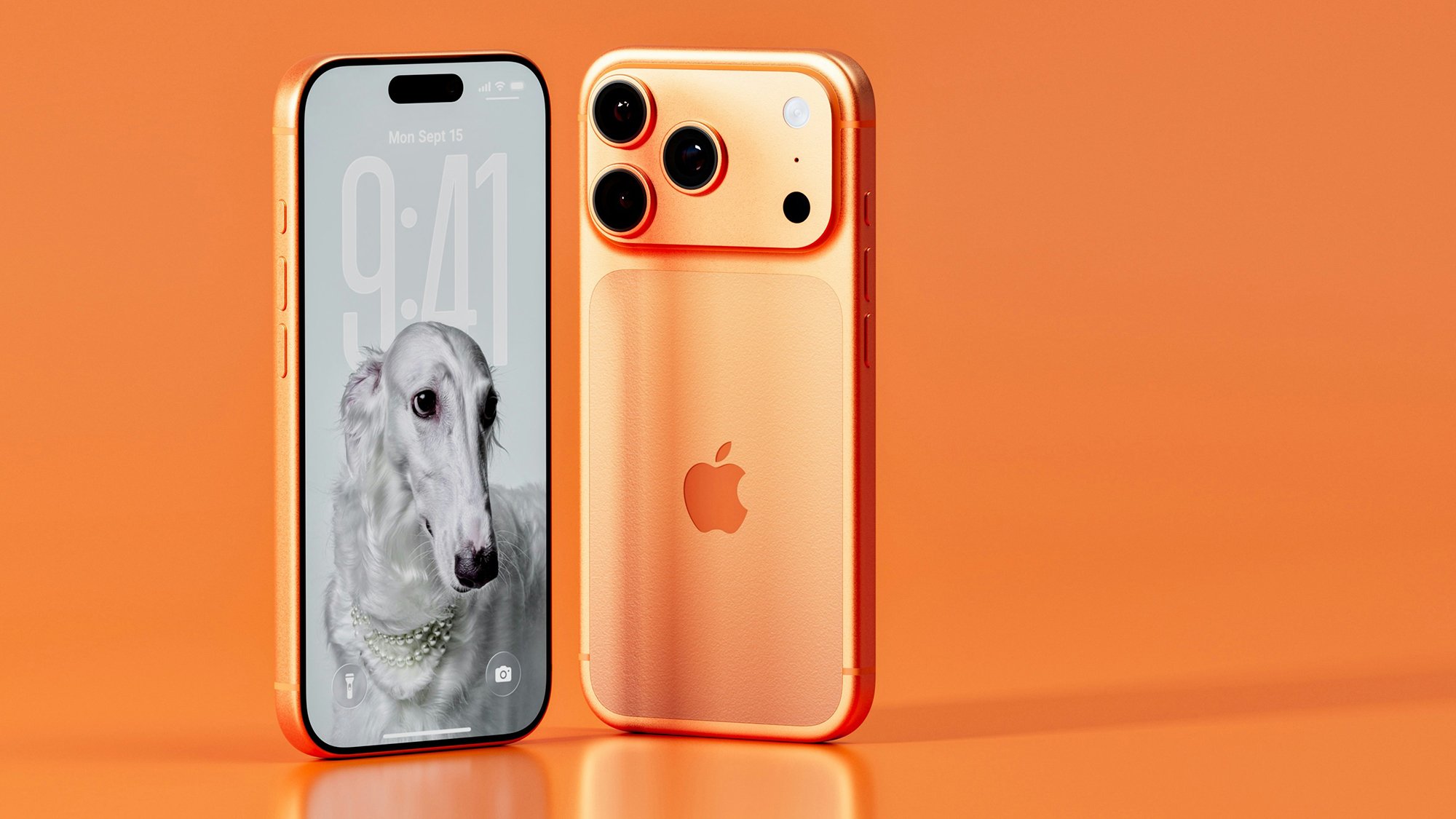
Apple has officially deployed its iOS 27 operating system to millions of compatible iPhone devices across the globe, introducing a suite of sophisticated artificial intelligence upgrades aimed directly at mobile photography and digital asset management. Released in tandem with Apple’s latest hardware lineup, the fresh software package expands upon the generative editing foundations laid out in previous iterations, most notably iOS 18. Among the most anticipated additions are advanced visual manipulation utilities integrated natively within the default Photos application. For mobile photographers, casual shutterbugs, and content creators alike, understanding how to harness these machine learning instruments represents a paradigm shift in how digital images are captured, refined, and archived directly on a mobile device.
The integration of advanced neural processing algorithms into everyday consumer software has accelerated dramatically over the past several cycles. When Apple initially rolled out its foundational generative clean-up capabilities during the iOS 18 release window, industry analysts viewed it as a necessary counterweight to competing Android ecosystems that had already adopted similar computer vision features. With the arrival of iOS 27, those early features have matured significantly. The newly enhanced editing suite does not merely patch over pixels; it attempts to understand the three-dimensional geometry, lighting sources, and contextual semantics of a given frame. By leveraging the updated Neural Engine built into modern Apple silicon, the operating system can execute complex generative fills locally or via cloud-assisted synthesis depending on the complexity of the computational request.
Accessing these advanced photographic tools requires navigating a streamlined interface within the native ecosystem. To begin utilizing the updated editing suite, users must open any desired image file within the Photos application, tap the dedicated adjustment icon—represented by three horizontal sliders—and select the "Tools" menu. Because these algorithms permanently modify the underlying file structure by default, industry best practices dictate creating a duplicate asset prior to experimentation. Users can easily generate a backup copy by tapping the three-dot ellipsis menu located in the upper-right corner of the interface and selecting the duplicate option. Furthermore, Apple maintains a non-destructive safety net: should an edit yield undesirable visual artifacts, users can revert to the pristine source file at any time by navigating back to the ellipsis menu, selecting edits, and choosing the reversion command.
Evolution of the Clean Up Feature
The most widely utilized and thoroughly revised tool within the iOS 27 ecosystem is the updated Clean Up utility. Originally introduced to consumer devices in iOS 18, this specific function has undergone substantial algorithmic refinement to eliminate the ghosting, blurring, and unnatural edge blending that occasionally plagued early generative models. According to official software documentation provided by Apple, the modern iteration delivers vastly superior precision and authentic visual fidelity by analyzing surrounding pixel textures more aggressively.
A notable addition to the Clean Up interface in iOS 27 is the inclusion of a processing speed toggle. Users can now choose between "Fast" and "High Quality" render modes depending on their immediate computational needs and tolerance for rendering delays. The Fast mode leverages localized, lightweight models optimized for instant feedback, whereas the High Quality setting deploys deeper neural networks to ensure complex backgrounds—such as intricate foliage, brickwork, or patterned textiles—are reconstructed with minimal distortion.
Deploying Clean Up is straightforward. After selecting the tool, the user simply taps, scribbles over, or draws a continuous loop around the extraneous element they wish to eradicate. This might include an unintended photobomber in the background of a family portrait, a distracting power line cutting across an architectural shot, or a smudge on a tabletop. Once the input is registered, the underlying neural network calculates the missing visual data by extrapolating information from the surrounding area. The success of this operation relies heavily on visual definition; subjects that contrast sharply with their backdrop are significantly easier for the AI to excise cleanly than objects obscured by complex shadows or motion blur.
Expanding Horizons with the Extend Tool
Beyond merely subtracting unwanted elements from a composition, iOS 27 introduces the ability to mathematically and visually expand the physical boundaries of a photograph. The new Extend feature acts as the conceptual inverse of traditional cropping. When users find themselves constrained by a tight framing decision made at the moment of capture, the Extend tool offers a digital remedy by generating entirely new visual content along the outer edges of the frame.

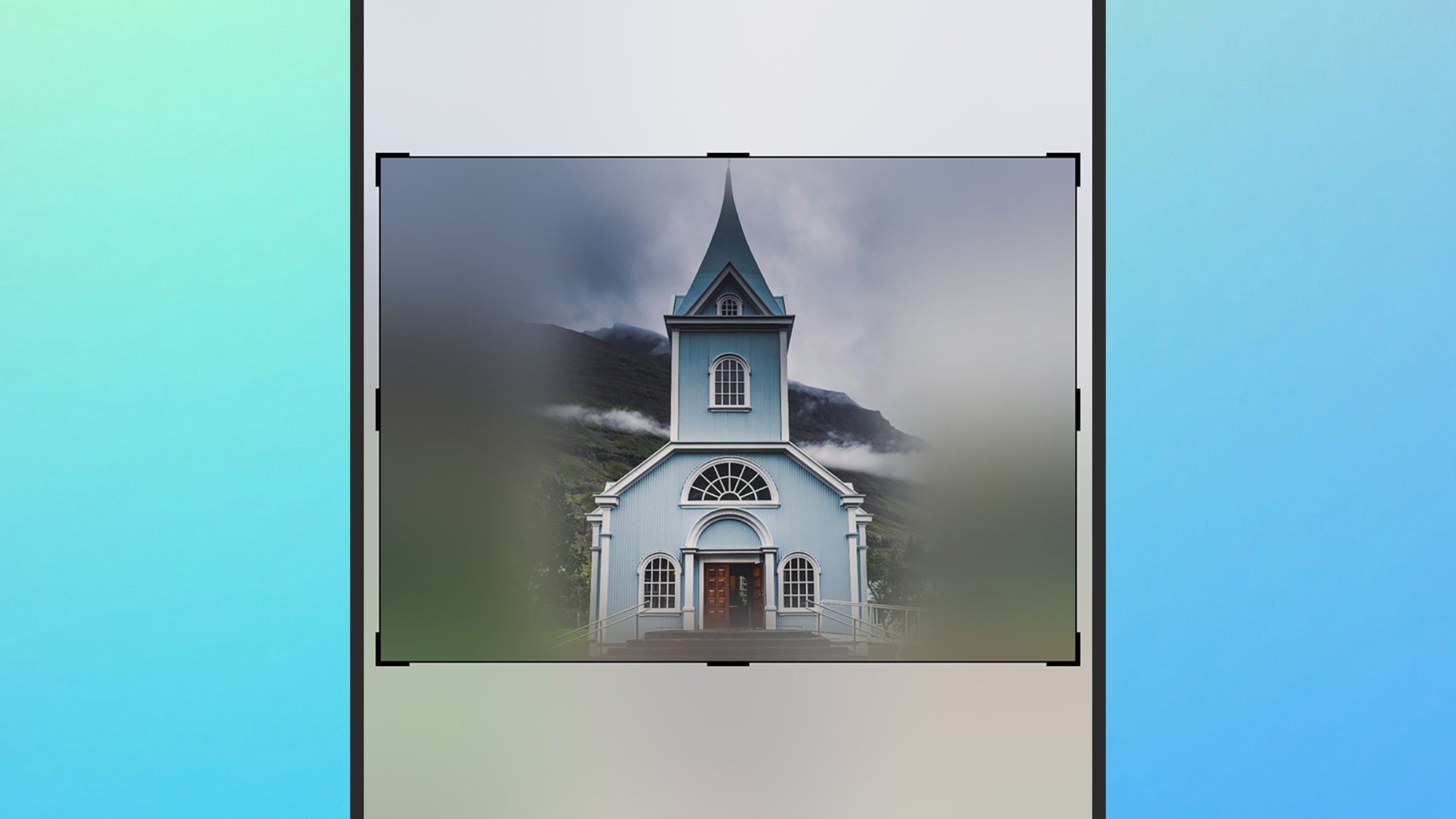
To utilize this capability, photographers select the Extend option from the Tools menu, which immediately presents a workspace surrounded by adjustable framing handles. By pinching, zooming, and swiping across the display, the user can redefine the outer perimeter of the image. The newly created peripheral space initially appears blurred, signaling to the user that computational synthesis is required. Upon confirming the adjustment, the system analyzes the existing visual cues—such as horizon lines, sky gradients, or floor textures—and paints in the missing landscape.
While the feature performs remarkably well on uniform textures like clear skies, open bodies of water, or minimal studio backgrounds, extreme expansions can occasionally yield surreal or repetitive patterns. Industry experts recommend utilizing Extend for minor framing corrections rather than massive compositional overhauls. Additionally, this tool serves as a practical alternative for straightening crooked horizons; users can slightly rotate an image to level it out without sacrificing vital peripheral subjects to an aggressive automatic crop.
Spatial Reframing and Three-Dimensional Modeling
Perhaps the most technologically ambitious addition to the iOS 27 photography suite is Spatial Reframing, commonly referred to simply as Reframe. Eschewing traditional two-dimensional perspective adjustments, this tool constructs a speculative three-dimensional volumetric model of the scene captured within a standard flat photograph. This computational breakthrough allows the user to digitally reposition the virtual camera viewpoint after the shutter has already closed.
For instance, if a portrait was captured from an uncomfortably low angle, or if an architectural photograph suffers from severe perspective distortion, Reframe empowers the user to shift the virtual perspective toward a more head-on or elevated vantage point. Activating the tool requires selecting Reframe from the menu, followed by dragging and tilting the image within the viewport. Just as with the Extend feature, any newly exposed areas resulting from the altered perspective are initially masked with a directional blur while the neural engine computes the necessary background synthesis.
The implications of spatial reframing extend far beyond casual consumer photography, signaling a broader industry trend toward volumetric capture in standard digital media. However, software engineers and imaging specialists caution that reliance on synthetic viewpoint generation carries inherent limitations. Because the algorithm must infer occluded data—objects and surfaces that were entirely hidden behind foreground elements in the original shot—repeatedly reframing the same file can rapidly degrade image integrity, introducing artifacts that break the illusion of realism.
Broader Implications and Industry Context
The rollout of iOS 27 arrives during a critical inflection point for consumer technology, where software differentiation has become significantly more important than annual hardware iterations. With smartphone sales stabilizing globally, manufacturers are increasingly relying on artificial intelligence features to incentivize upgrades. Apple’s emphasis on localized neural processing—balancing on-device machine learning with secure cloud-based rendering—reflects a concerted effort to maintain consumer trust regarding data privacy while delivering cutting-edge generative capabilities.
Professional photographers and digital archivists have expressed a mixture of fascination and caution regarding these automated workflows. While tools like Clean Up, Extend, and Reframe drastically lower the technical barrier for producing polished, aesthetically pleasing images, they also blur the traditional boundary between documentary photography and digital illustration. As generative manipulation becomes deeply embedded in default operating systems, questions surrounding image authenticity, journalistic integrity, and digital provenance will undoubtedly take center stage.
To safeguard personal digital archives against unintended data loss or irreversible quality degradation during aggressive AI editing sessions, data management experts continually emphasize the importance of robust backup strategies. Utilizing automated cloud syncing services or local peripheral backups ensures that original, unedited captures remain safely preserved alongside heavily processed artistic creations. As iOS 27 continues to saturate the global market, these advanced editing utilities will undoubtedly redefine consumer expectations of what a pocket-sized camera is truly capable of achieving.