




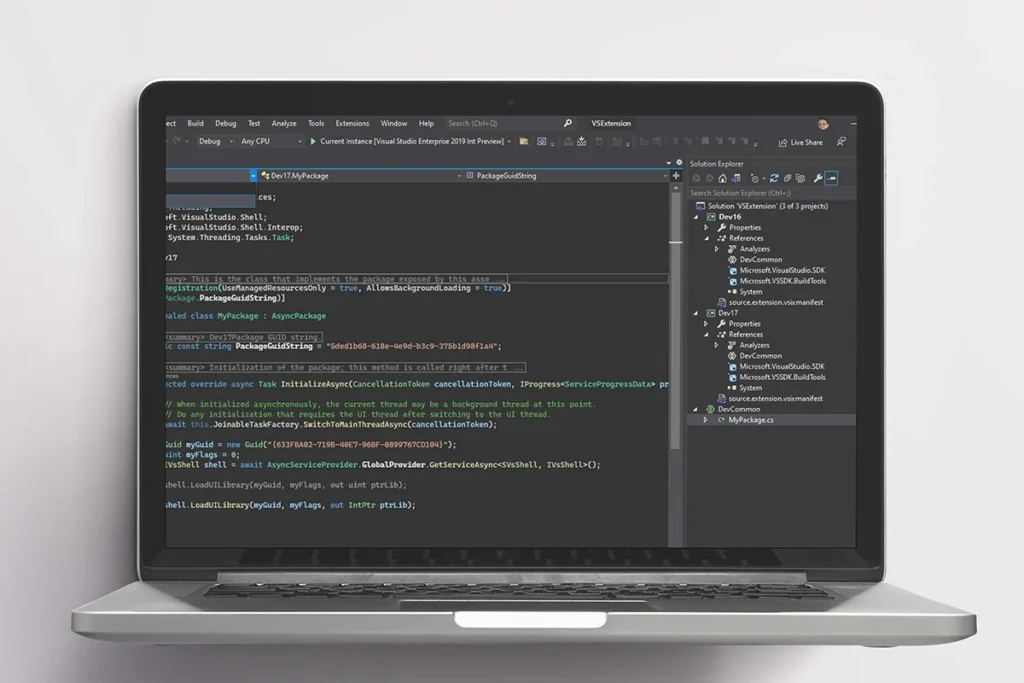
The landscape of software engineering is currently witnessing a significant shift in the accessibility of professional-grade development tools, highlighted by a substantial price reduction for Microsoft Visual Studio Professional 2026. As of mid-July 2026, the retail price for a single-user license of this flagship Integrated Development Environment (IDE) has been adjusted from its standard manufacturer’s suggested retail price (MSRP) of $499.99 to a promotional rate of $29.97. This represents a 94 percent discount, a move that market analysts suggest could be aimed at lowering the barrier to entry for independent developers, students, and small-scale enterprise teams who require robust, local development environments rather than subscription-based cloud alternatives.
This promotional offer, facilitated through authorized retail partners like Stack Commerce, is scheduled to remain active until July 26, 2026, at 11:59 p.m. PT. The license provides a perpetual, single-user seat for one compatible Windows device, offering an alternative to the recurring costs associated with the Microsoft 365 or Visual Studio subscription models. For the developer community, this pricing event provides a rare opportunity to secure high-level debugging, testing, and collaborative tools that are typically reserved for large corporate budgets.
The Evolution of the Visual Studio Architecture
Microsoft Visual Studio has long served as the cornerstone of the Windows development ecosystem. The 2026 Professional edition continues the trajectory established by its predecessors, focusing on a 64-bit architecture designed to leverage modern hardware more effectively. Historically, the transition to 64-bit was a pivotal moment for the IDE, as it allowed the software to access more than 4GB of memory, thereby eliminating the "out of memory" errors that frequently plagued developers working on massive enterprise-scale solutions or complex microservices architectures.
In the 2026 iteration, this architecture has been further refined to optimize the "inner loop" of development—the repetitive cycle of coding, building, and debugging. By utilizing modern CPU instructions and improved memory management, the IDE can handle thousands of files and projects within a single solution without a degradation in UI responsiveness. This technical stability is critical for modern software projects, which often integrate a vast array of dependencies and external libraries.
Comprehensive Language Support and Polyglot Programming
One of the defining characteristics of Microsoft Visual Studio Professional 2026 is its support for a wide array of programming languages and frameworks. While it remains the premier environment for .NET and C++ development, its capabilities extend far into the realms of web and data science. The IDE provides first-class support for:
- C# and .NET: The backbone of enterprise Windows applications and modern web services through ASP.NET Core.
- C++: Essential for high-performance applications, game development via engines like Unreal, and system-level programming.
- Python: Increasingly utilized for data analysis, machine learning, and rapid prototyping.
- JavaScript and TypeScript: The standards for modern web front-end development, supported by integrated tools for frameworks like React, Angular, and Vue.
- Blazor: Allowing developers to build interactive web UIs using C# instead of JavaScript.
This polyglot approach acknowledges the reality of modern full-stack development, where a single engineer may need to transition from writing backend logic in C# to managing frontend scripts in TypeScript or data processing scripts in Python, all within the same environment.
Productivity Enhancement through IntelliCode and CodeLens
To justify the "Professional" moniker, Microsoft has integrated advanced productivity features that differentiate this version from the free "Community" edition or standard text editors. Central to this is IntelliCode, an AI-assisted development tool. Unlike basic autocomplete, IntelliCode uses machine learning models trained on thousands of open-source projects on GitHub to understand the context of the code being written. It can suggest entire lines of code, recommend the most likely methods a developer might need next, and identify potential refactoring opportunities.
Importantly, the 2026 version of IntelliCode emphasizes privacy and local processing. While it learns from global patterns, it also adapts to the specific coding style of a local codebase without requiring the source code to be uploaded to the cloud—a crucial feature for developers working under strict non-disclosure agreements or in regulated industries.
Complementing IntelliCode is CodeLens, a feature that provides deep insights into code history and relationships without requiring the developer to leave the editor. Directly above each function or class definition, CodeLens displays "heads-up" information, including:
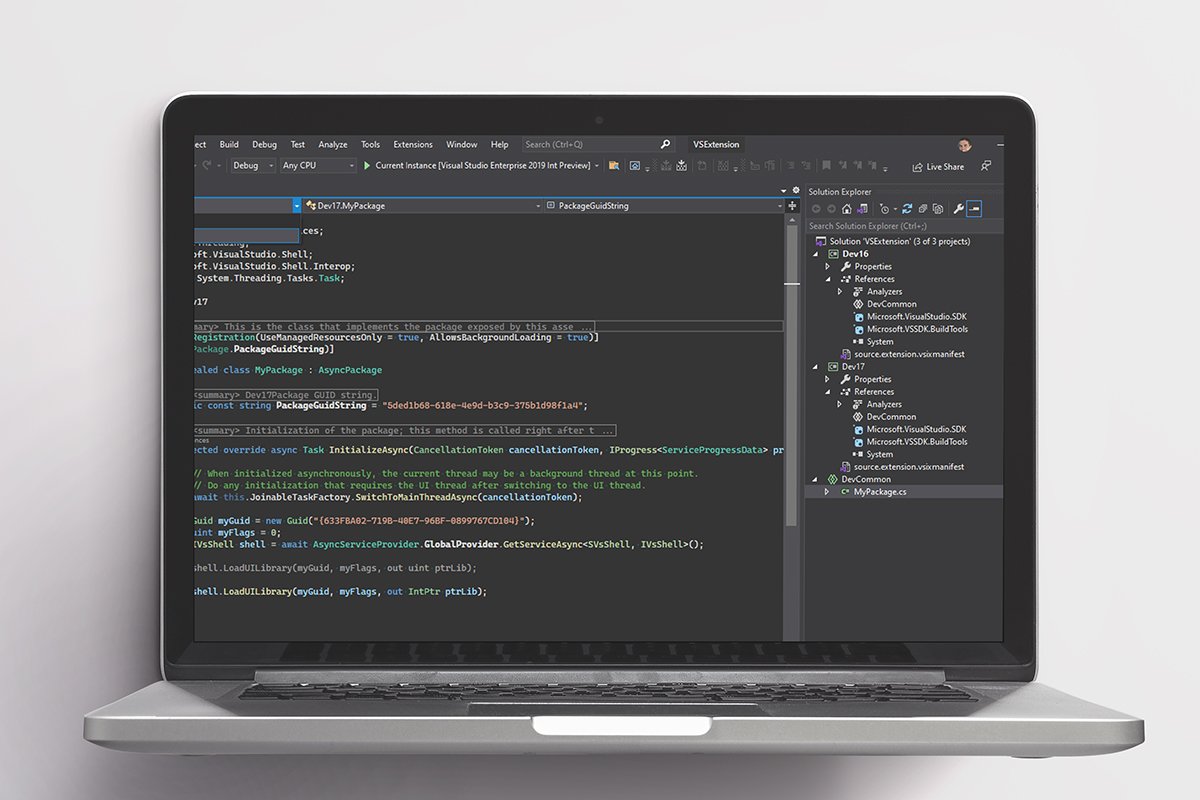
- The number of times a piece of code is referenced elsewhere in the project.
- The results of the most recent unit tests associated with that code block.
- The author of the last change and the specific Git commit associated with it.
- A history of changes, allowing developers to trace the evolution of a bug or feature implementation.
Facilitating Modern Collaboration: Live Share and Version Control
The shift toward remote and hybrid work models has necessitated better collaborative tools within the IDE. Visual Studio Professional 2026 addresses this through Live Share. This feature allows multiple developers to share a project session in real-time. Unlike traditional screen sharing, Live Share enables collaborators to navigate the codebase independently, edit code, and even share a debugging session. This means one developer can set a breakpoint on their machine, and another developer, located miles away, can inspect the variables and step through the code execution in their own instance of the IDE.
Furthermore, the integration with version control systems like Git has been deepened. The IDE provides a graphical interface for managing branches, resolving merge conflicts, and pushing code to repositories like GitHub or Azure DevOps. This reduces the cognitive load on developers, allowing them to manage the administrative side of coding without switching to a command-line interface or third-party Git client.
Cross-Platform Ambitions and Cloud Integration
While Visual Studio Professional 2026 is a Windows-based application, its output is intentionally cross-platform. Through the use of .NET MAUI (Multi-platform App UI), developers can use a single C# codebase to build applications for Windows, Android, iOS, and macOS. The IDE includes emulators and deployment tools that simplify the testing process for mobile devices, making it a viable choice for mobile app startups.
Cloud integration is another pillar of the 2026 version. Microsoft has streamlined the process of deploying applications to Azure. Developers can configure continuous integration and continuous deployment (CI/CD) pipelines, manage cloud databases, and monitor application performance directly from the IDE. This "local-to-cloud" workflow is designed to reduce the friction often associated with DevOps tasks.
System Requirements and Hardware Considerations
To run Visual Studio Professional 2026 effectively, Microsoft outlines specific hardware requirements. While the software can technically run on 4GB of RAM, the company officially recommends a minimum of 8GB for basic tasks. For developers working on large-scale solutions, 16GB or 32GB of RAM is considered the industry standard to ensure smooth operation when running multiple workloads, compilers, and virtual machines simultaneously.
The software requires a 64-bit version of Windows 10 (version 1909 or higher) or Windows 11. It also necessitates an SSD for the installation and project storage, as the high I/O demands of compiling modern software can be severely bottlenecked by traditional hard disk drives.
Market Analysis: The Value Proposition of a Perpetual License
The current $29.97 offer is particularly noteworthy given the broader industry trend toward Software-as-a-Service (SaaS). Many professional tools have moved to monthly or annual subscription models, which can become a significant overhead for freelancers or small businesses. By offering a perpetual license for the 2026 version, Microsoft and its partners are appealing to a segment of the market that prefers "capital expenditure" (one-time purchase) over "operating expenditure" (ongoing subscriptions).
While the Professional edition lacks some of the high-end architectural and testing tools found in the "Enterprise" version—which can cost thousands of dollars per year—it provides more than enough power for the vast majority of commercial software development. The inclusion of professional support and the ability to use the software for commercial purposes (unlike the restricted Community edition for larger companies) makes this discount a strategic acquisition for growing tech firms.
Conclusion and Future Outlook
The availability of Microsoft Visual Studio Professional 2026 at a 94 percent discount marks a pivotal moment for developer accessibility. By providing the tools for high-level coding, AI-assisted productivity, and seamless collaboration at a price point under $30, the barrier to creating sophisticated software has been lowered significantly.
As the July 26 deadline approaches, the industry anticipates a surge in license acquisitions from the independent developer community. This influx of professional-grade tools into the hands of more creators is expected to foster innovation in the Windows and cross-platform app ecosystems. For those currently operating on older versions of the IDE or relying on less featured text editors, the transition to the 2026 Professional edition represents a substantial upgrade in both capability and efficiency. Following the conclusion of this deal, the price is expected to return toward its standard MSRP, making the current window a critical period for strategic software investment.